Setup
Uses
A curated list of the tools and setup I use to build, code, and maintain a productive workflow.
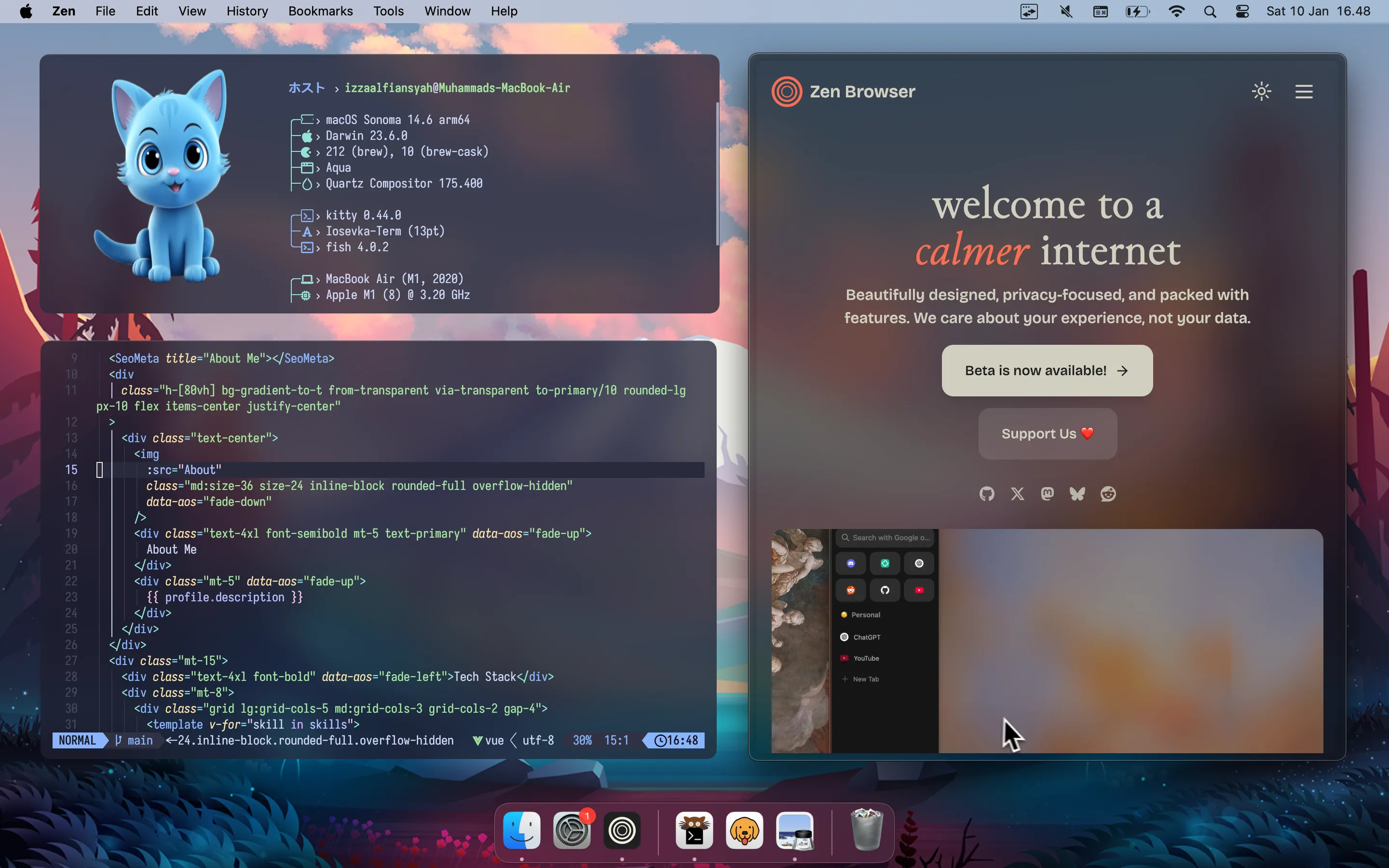
Devices
- – MacBook Air M1 (2020) — This was my primary device. It was very powerful and can support fast workflow in multitasking, coding, and technology exploration.
Coding
- – VS Code — Versatile code editor. You know it!
- – Neovim — via LazyVim. Current my code editor. Perform well for flexibility and productivity.
- – Kitty — The fast, feature-rich, GPU based terminal emulator.
- – Iosevka — I was using Fira code before. But now, I feel comfortable with Iosevka fonts for coding.
- – Cloudflare — with Vercel actually. For build and deploy on the cloud service.
Productivity
- – Zen — Welcome to a calmer internet browser. Beautifully designed, privacy-focused, and packed with features.
- – Podman — Manage containers, pods, and images.
- – Bruno — Fast, git-friendly open-source API client.
- – Fish — Smart and user-friendly command line shell for Linux, macOS, and the rest of the family.
- – Notion — Notion is an all-in-one productivity tool that helps users organize notes, tasks, databases, and projects in one place.
- – Proton — End-to-end encrypted password manager. Securely store, share, and autofill your credentials.
- – Raycast — Shortcut to everything. Powerful productivity tools all with an extendable launcher.
- – Dotfiles — My setup configuration files. You can check it on GitHub.